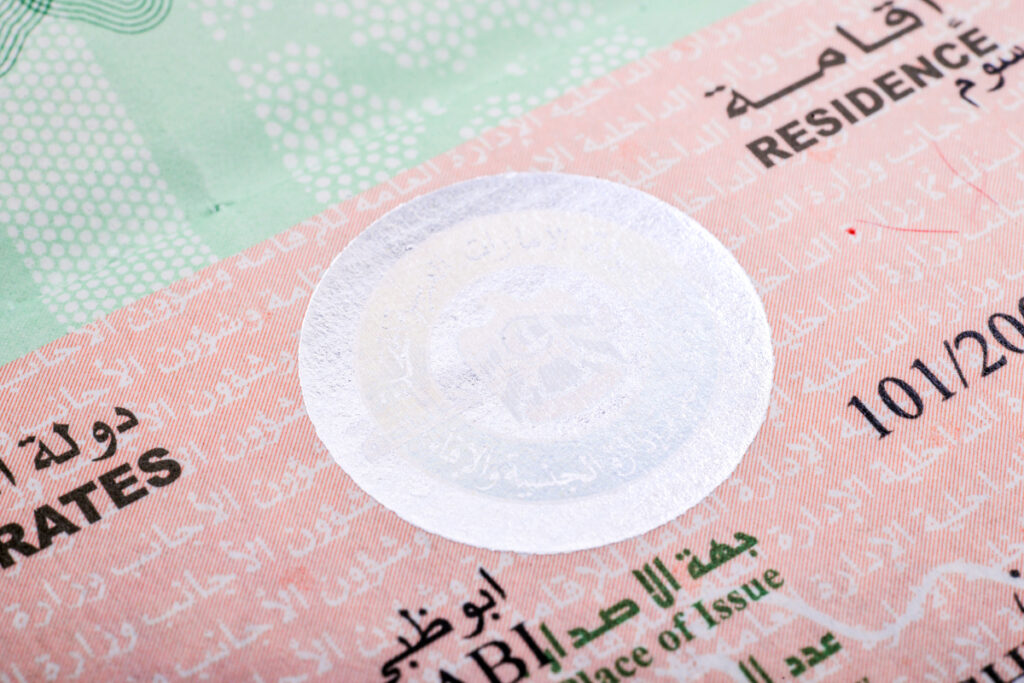
Checking your UAE visa status by passport number is one of the most common queries for residents, workers, tourists, and job seekers. Whether you’re waiting for visa approval, tracking renewal status, or verifying if your entry permit is active, the UAE government provides official online portals that allow easy verification.
What Is a Visa Status Check in UAE?
Visa status check allows you to confirm:
- Whether your visa is approved, active, under process, or expired
- Your file number, UID number, issue date, and expiry date
- Employer or sponsor status
- Overstay fines, if any
- Entry permit validity
You can check all this by using your passport number only — no login required.
How to Check UAE Visa Status by Passport Number (3 Official Methods)
-
Check Visa Status Through ICP Smart Services (For All Emirates Except Dubai)
Website: icp.gov.ae (Federal Authority for Identity, Citizenship, Customs & Ports Security)
Step-by-Step Guide
- Go to: ICP Smart Services → Visa & Emirates ID
- Select “File Validity”
- Choose “Visa“
- Select your Nationality
- Enter your Passport Number
- Choose Passport Type (Normal, Diplomatic, etc.)
- Tick “I’m not a robot”
- Click Search
What You Will See
- Visa status (active / expired / cancelled)
- Visa number
- Passport details
- UID number
- Issue & expiry date
- Sponsor name
Best for: Abu Dhabi, Sharjah, Ajman, Ras Al Khaimah, Umm Al Quwain, Fujairah visas.
-
Check Dubai Visa Status Through GDRFA Portal
If your visa was issued in Dubai, use GDRFA.
Website: gdrfad.gov.ae
Steps
- Open GDRFA → Services → Entry Permit / Residence Status
- Select “Residence Validity”
- Enter:
- Passport Number
- Passport Expiry Date
- Nationality
- Complete captcha
- Click Submit
You Will Find
- Dubai visa status
- Visa expiry/issue date
- Sponsor name
- File number
- File issuing center
-
Check Via UAE Pass Mobile App (All Emirates)
If you already have UAE Pass, this method is easiest.
Steps
- Open UAE Pass App
- Login via mobile
- Select Documents
- Choose Residency Visa
- Tap View Details
Shows
- Full visa data
- QR code
- Residency validity
- Emirates ID details
How to Check Entry Permit Status (Visit or Work Visa Under Process)
If your visa is under process, use these:
For Dubai Entry Permit
Go to AMER website → Track Visa Application
Enter:
- Application number
- Passport number
For Other Emirates
ICP → “Application Status”
Enter:
- Application number
- Passport number
Check UAE Visa Status Without Passport Number
You can also check using:
- Emirates ID number
- UID number
- File number
- Application number
But passport number method is fastest and does not require login.
Why Is My Visa Not Showing?
Possible reasons:
- Data not updated
- Wrong passport number / nationality
- Visa application on hold
- Visa cancelled recently
- Typing center mistake
Overstay Fine Check by Passport Number
Visit “ICP – Fines & Violations”
Enter:
- Passport number
- Visa type
- Nationality
You will get:
- Number of days overstayed
- Total fine
- Payment option
Safety Note
Always use official UAE portals only.
Never use third-party websites for visa checks — risk of data misuse.